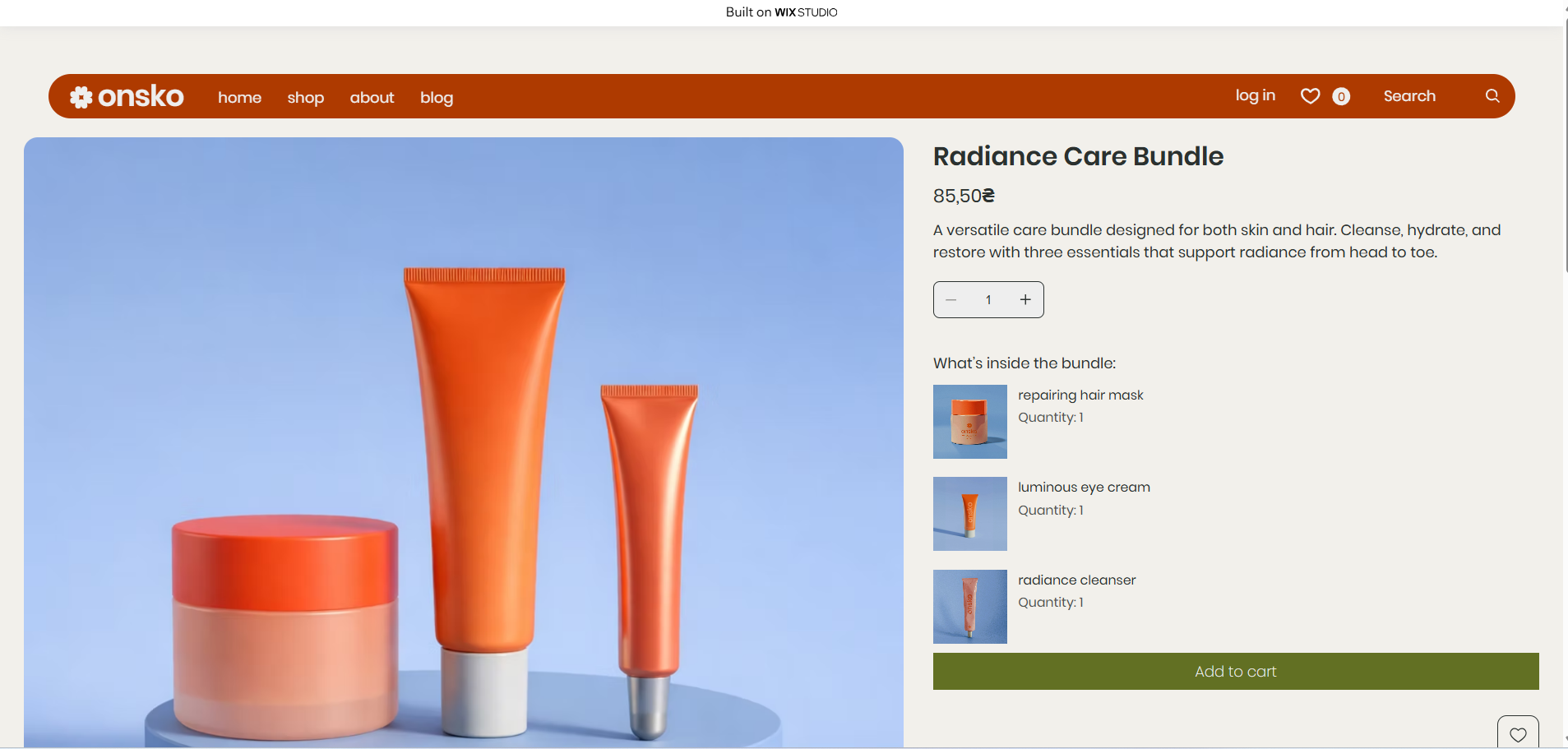
This guide explains how to add the Product Bundles App to your Wix site and display bundles on your product pages.
Go to the Wix App Market and install the Product Bundles app on your site.
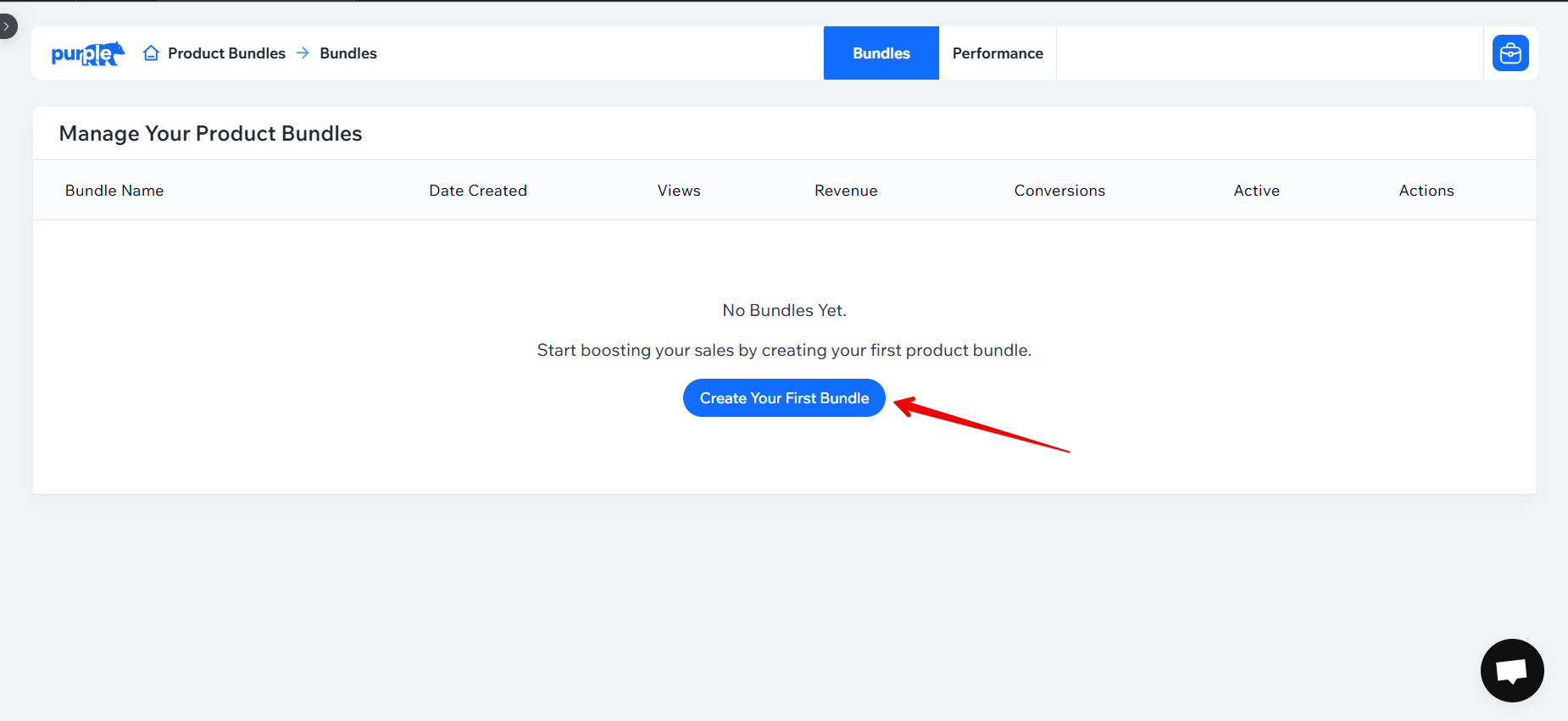
After installation, open the app and click the “Create Your First Bundle” button to get started.
Create a bundle by selecting the products you want to include.
Set up all bundle details, including products, pricing, and bundle product info. When finished, click “Save” in the top-right corner.
.png)
Click the “Design Bundle” button to open the Wix Editor, where you can customize the bundle widget’s appearance.
.png)
If this is your first time using the app, you must add the plugin so bundles appear on product pages.
.png)
.png)
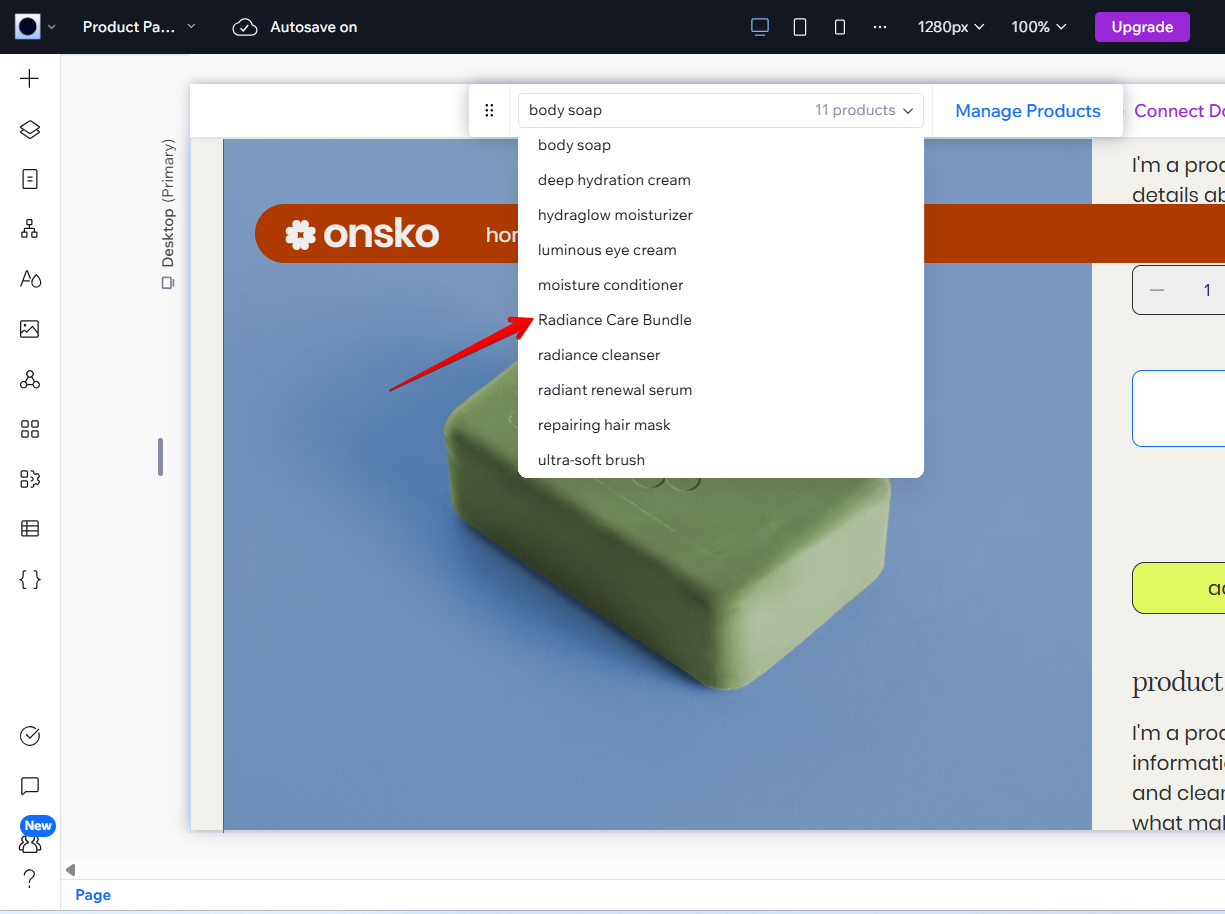
You will be redirected to the Wix Editor product page. Use the product dropdown to select your bundle product.
You will see the Bundle Plugin on the bundle product page. Click the “Settings” button to open the widget customizer and adjust the design and layout.
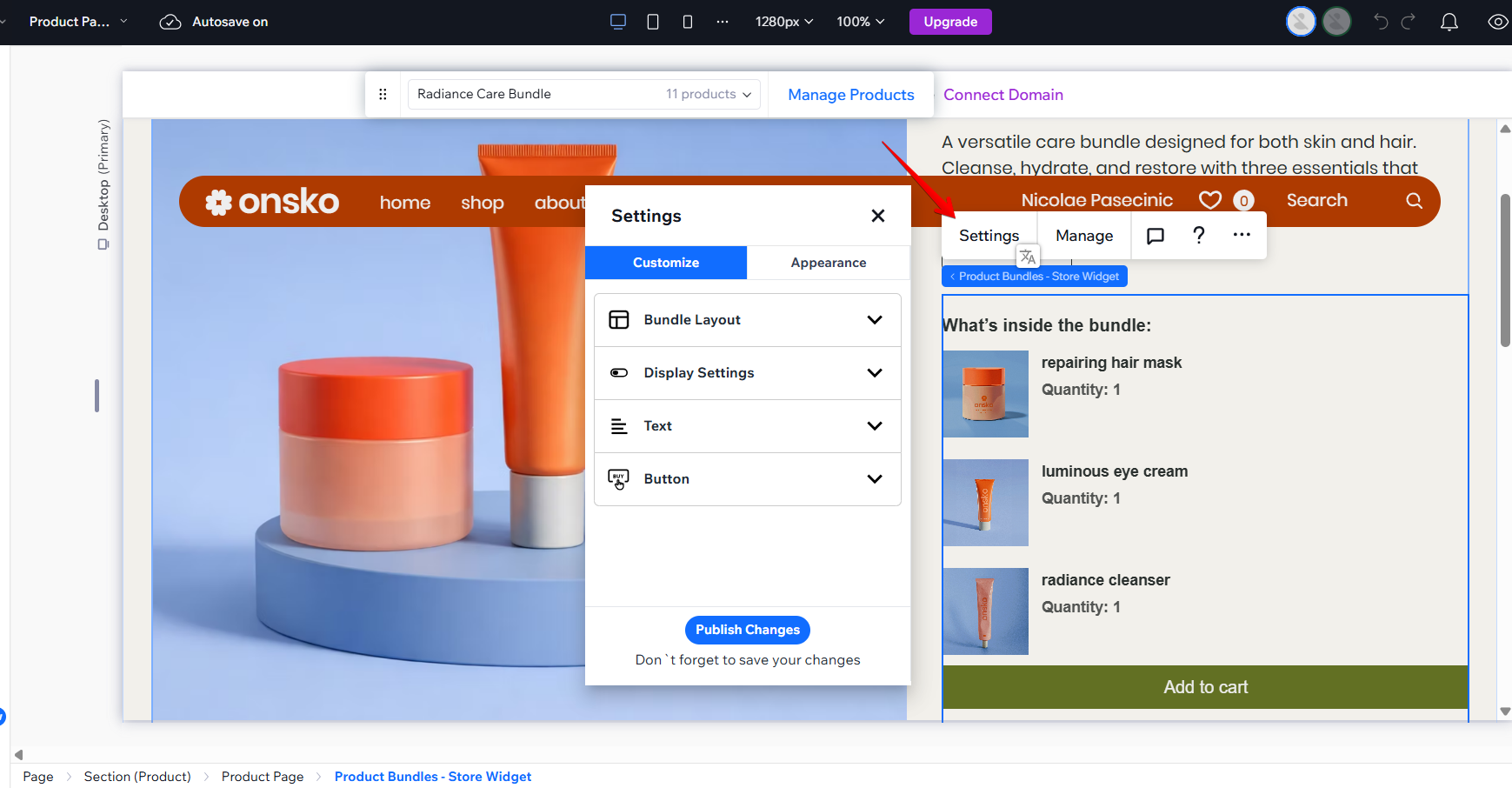
After completing your customization, make sure to save your changes and publish your site.
.png)
Congratulations! The Product Bundles App has been successfully added to your site and is now ready for customers to use.